Quest · Steam VR · PS VR2
Find the next clue.
Keep your version straight.
Clear I Am Cat walkthroughs for Quest, Steam VR, and PS VR2, with platform differences called out before the steps.
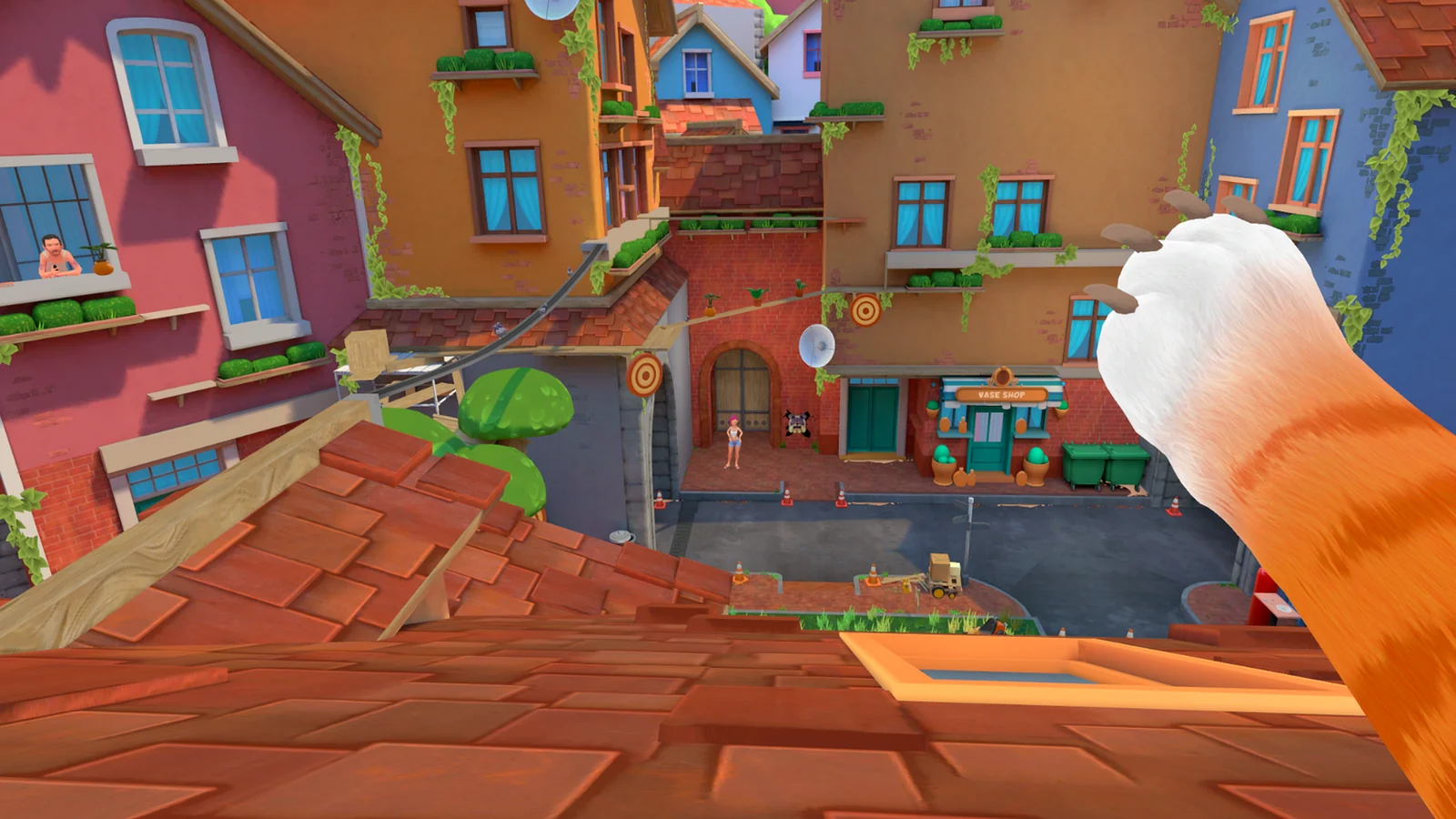
A Quest route may not match the Steam VR or PS VR2 release.
Tasks, menus, and known bugs can change when a patch lands.
If an older walkthrough disagrees, use the objective shown in your game.
Choose a guide
17 routes through the house
Start with your platform, then choose the room or problem blocking your progress.
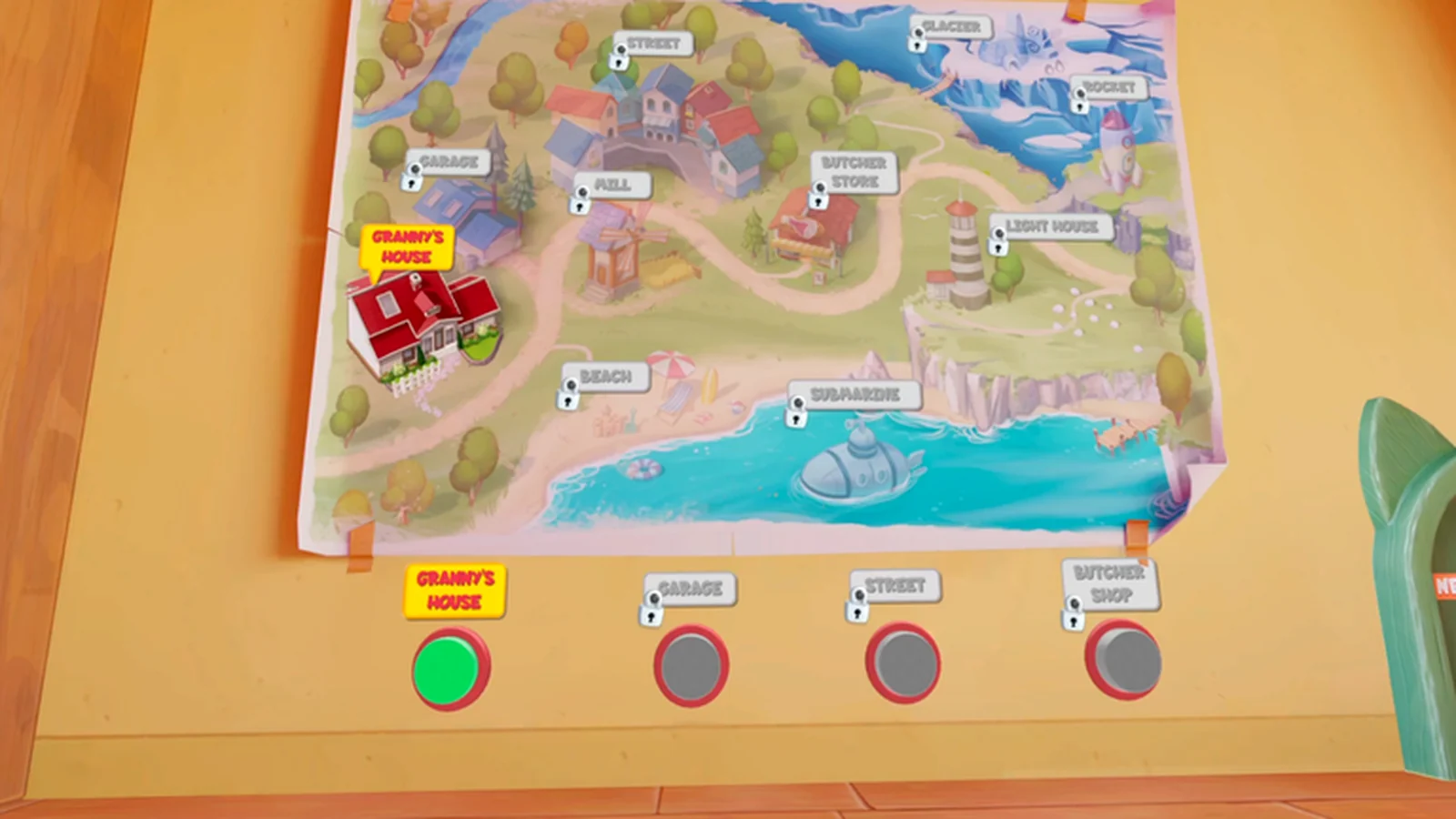
I Am Cat on Quest, Steam VR, and PS VR2: The Differences That Matter
Compare platform features, locations, multiplayer, updates, and guide compatibility before following a walkthrough.
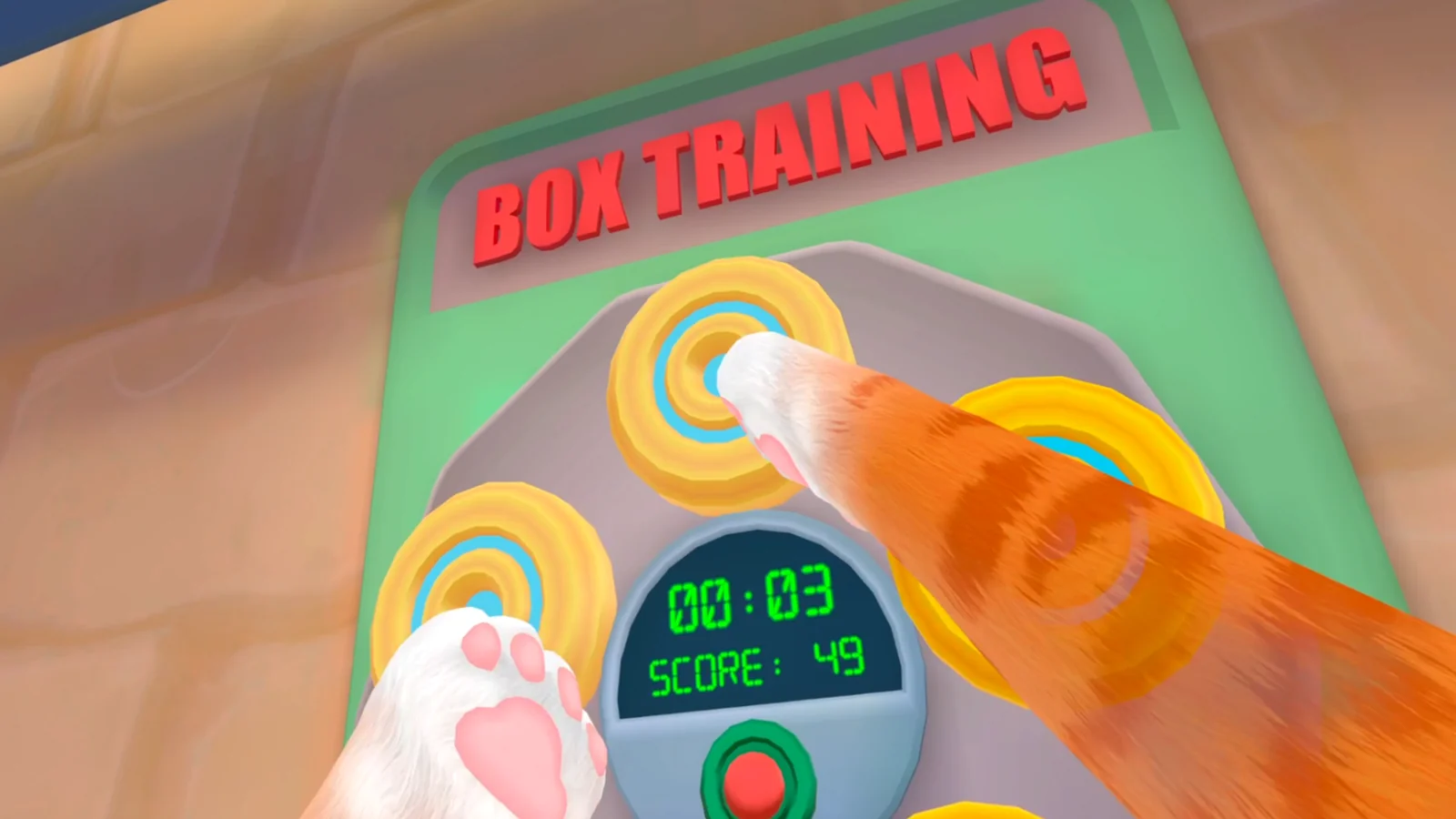
I Am Cat Controls and Comfort Setup Before the First Task
Set floor height, boundary, reach, turning, and movement in a repeatable order before starting objectives.
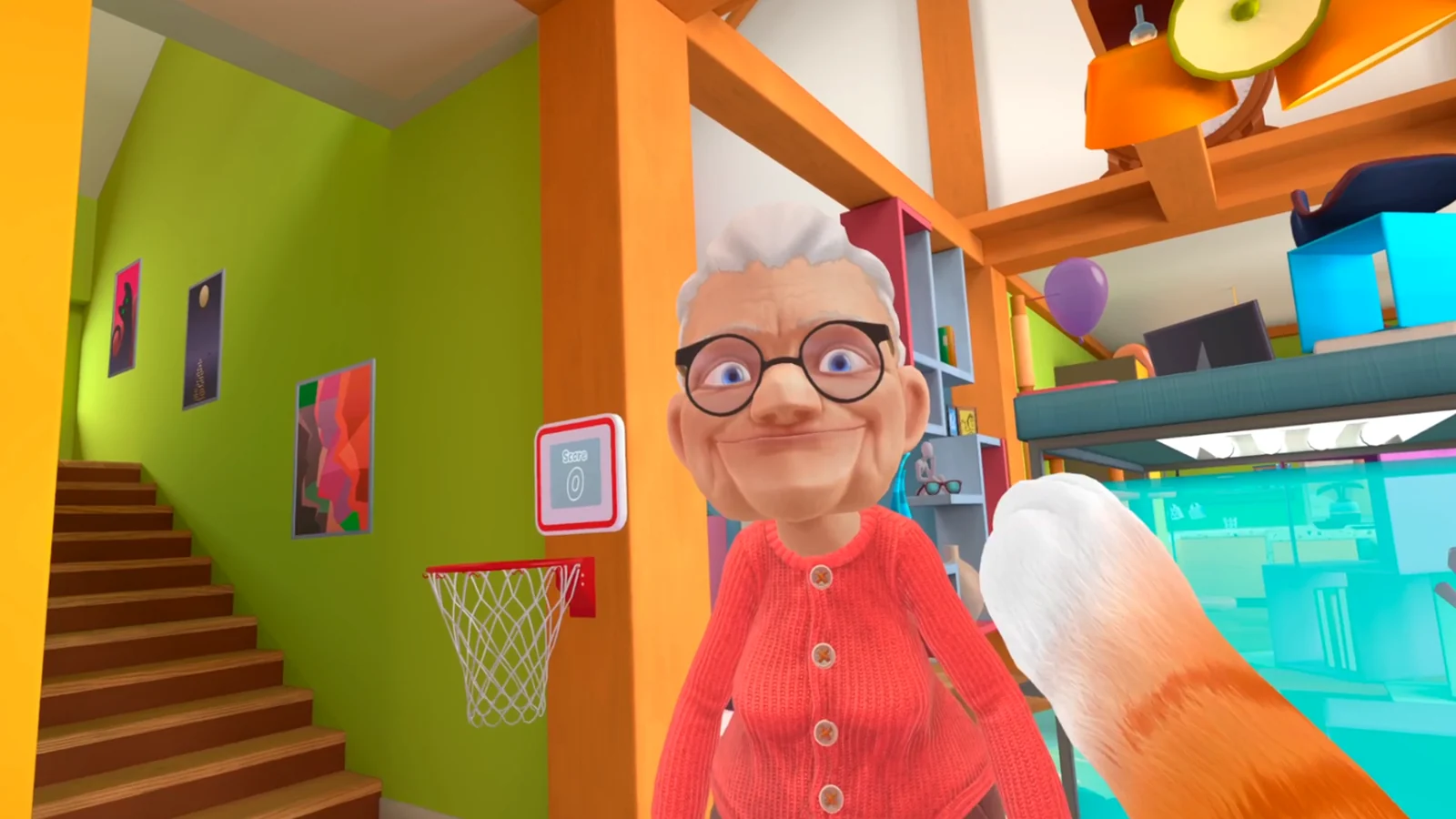
Granny's House Beginner Route: Learn the Task Loop Without Losing Progress
Use objectives, visible completion cues, and cat-scale routes to make the first house session easier to follow.
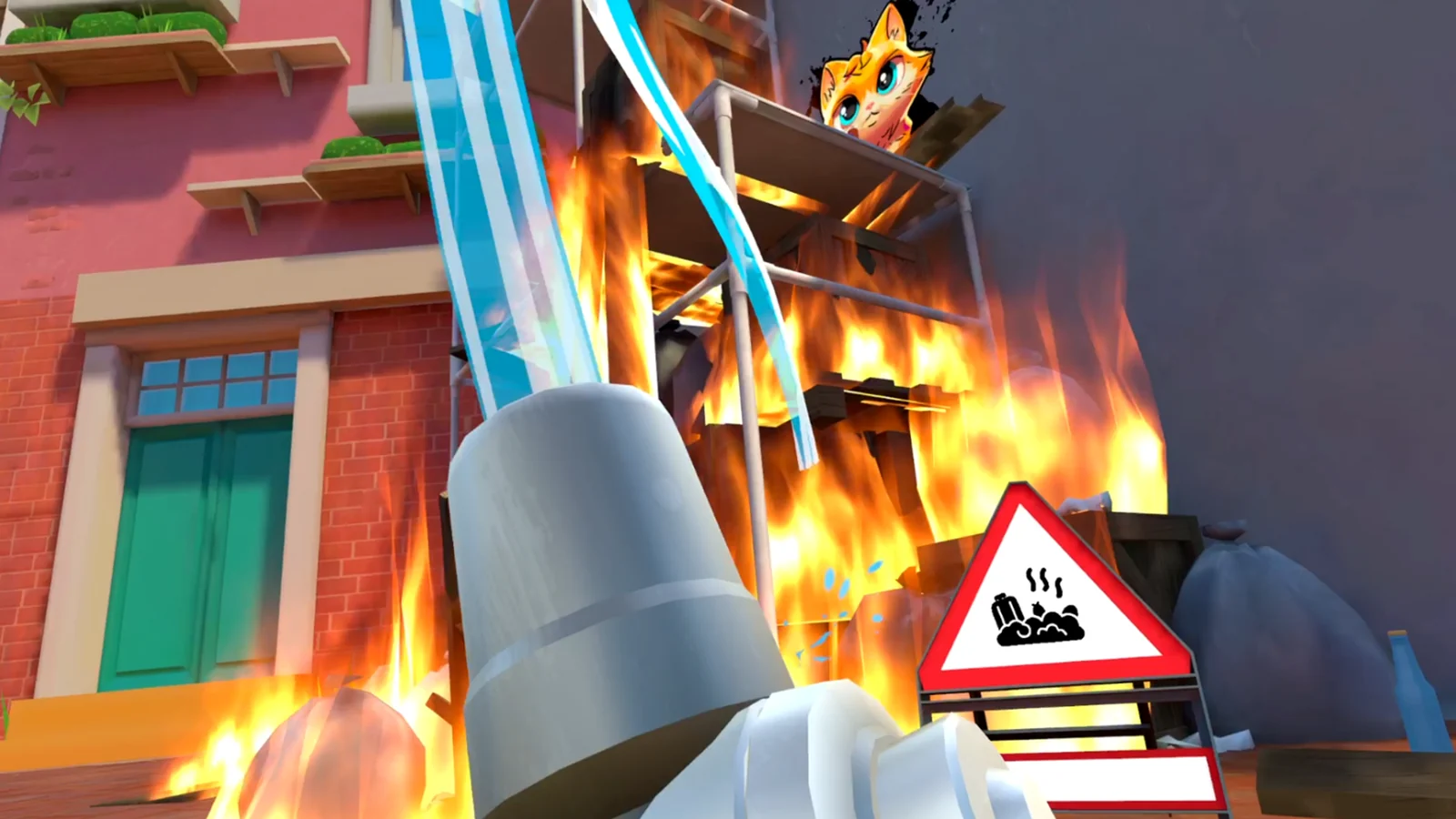
I Am Cat Garage Walkthrough: Unlocks, Task Order, and Safe Recovery
Work through the Garage with version-aware checks for keys, task completion, and known progression trouble.
I Am Cat Street Tasks: A Reliable Route to the Next Trigger
Navigate the Street by reading cat-scale paths, keeping item chains local, and checking each task handoff.
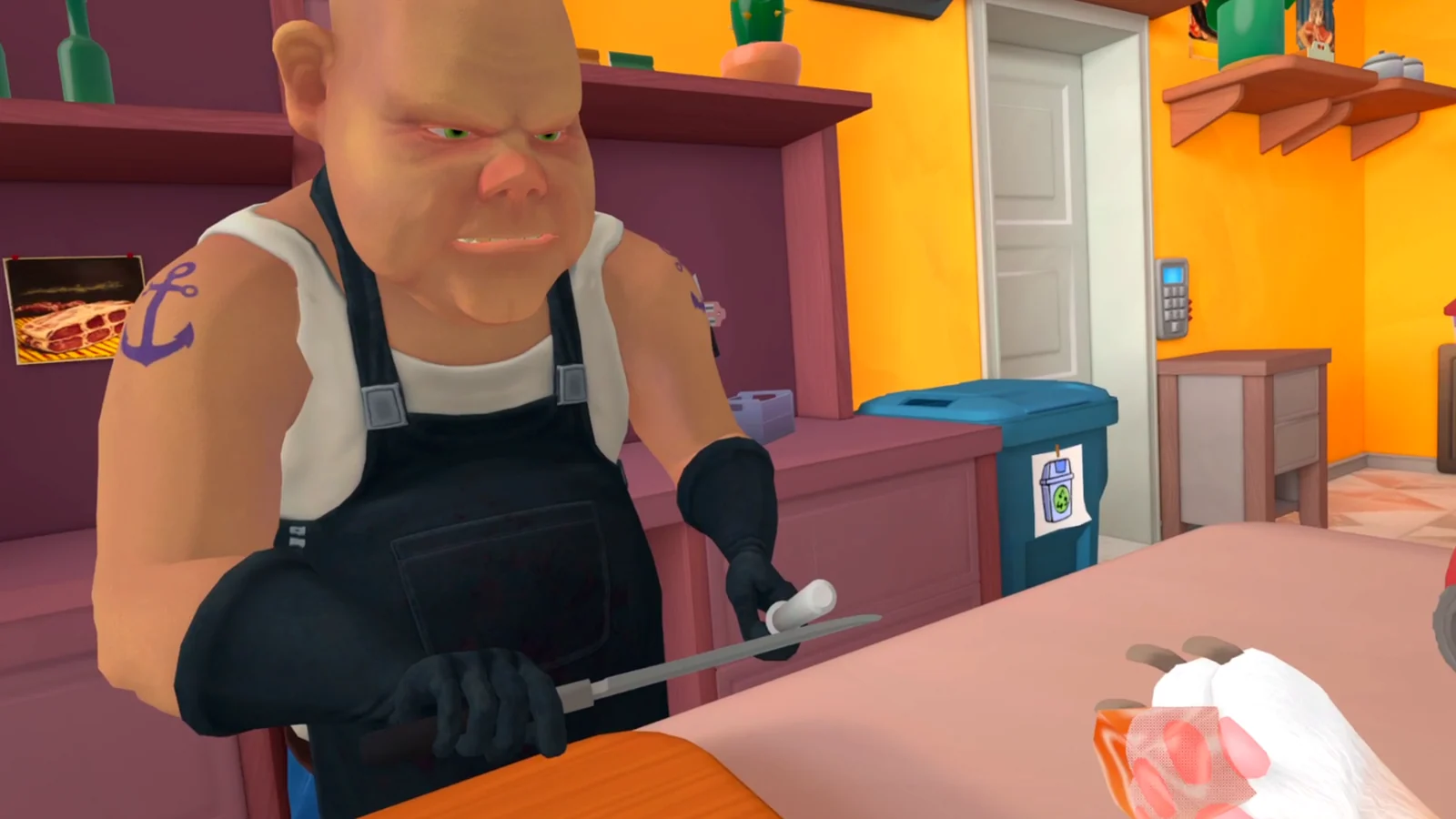
I Am Cat Butcher Shop: Freezer Code, Keypad, and Softlock Checks
Match the keypad clue to your build, complete the correct prerequisite, and recover a Butcher Shop task safely.
I Am Cat Mill Guide: Map Status, Keycard, and Unlock Checks
Check whether the Mill is listed or unlocked in your build, then follow only a keycard route that matches your platform and objective state.
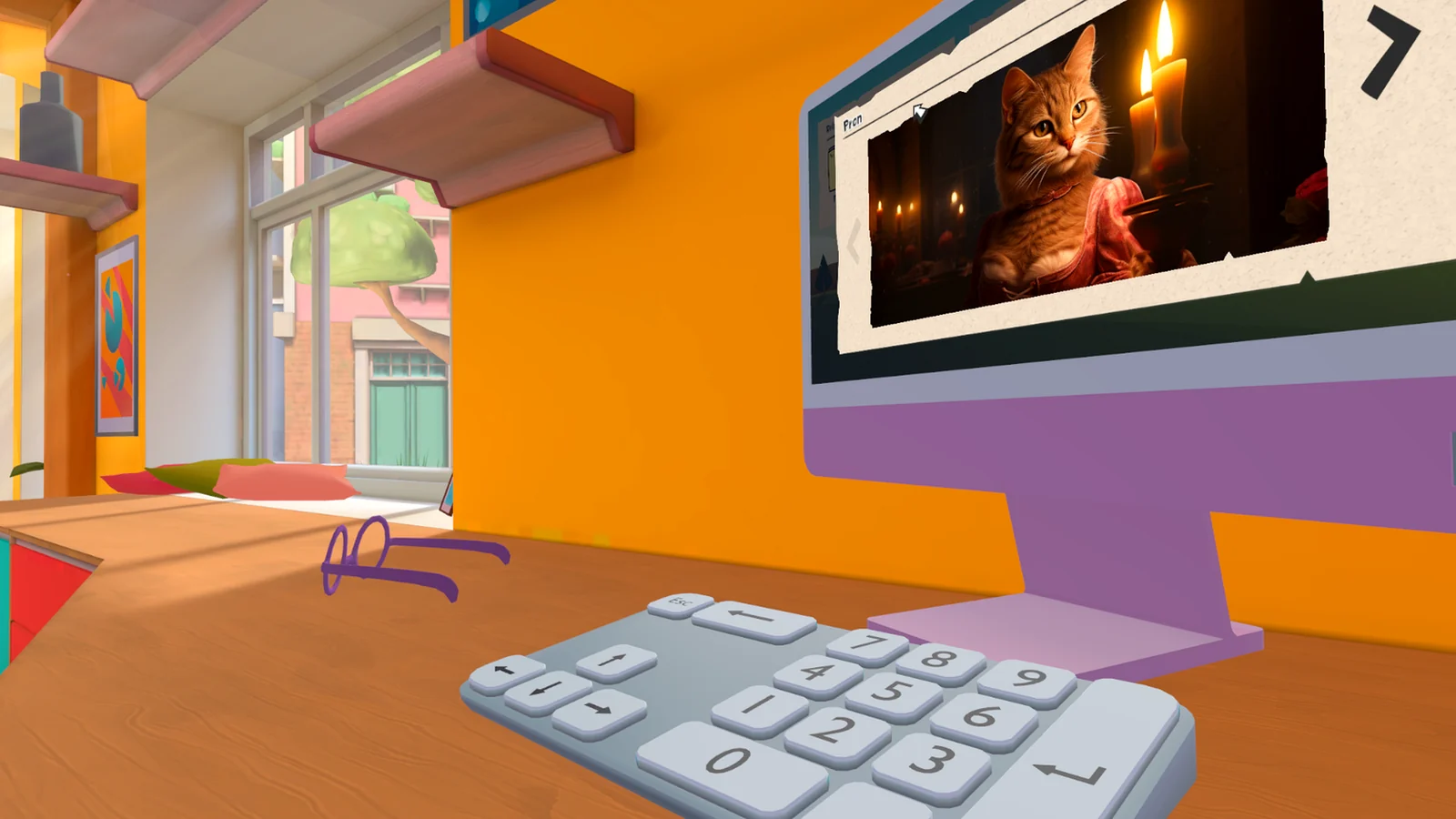
I Am Cat Passwords and Codes: Match Every Number to the Right Object
Use known Quest-era codes without confusing the computer, recipe folder, USB drive, and freezer sequences.
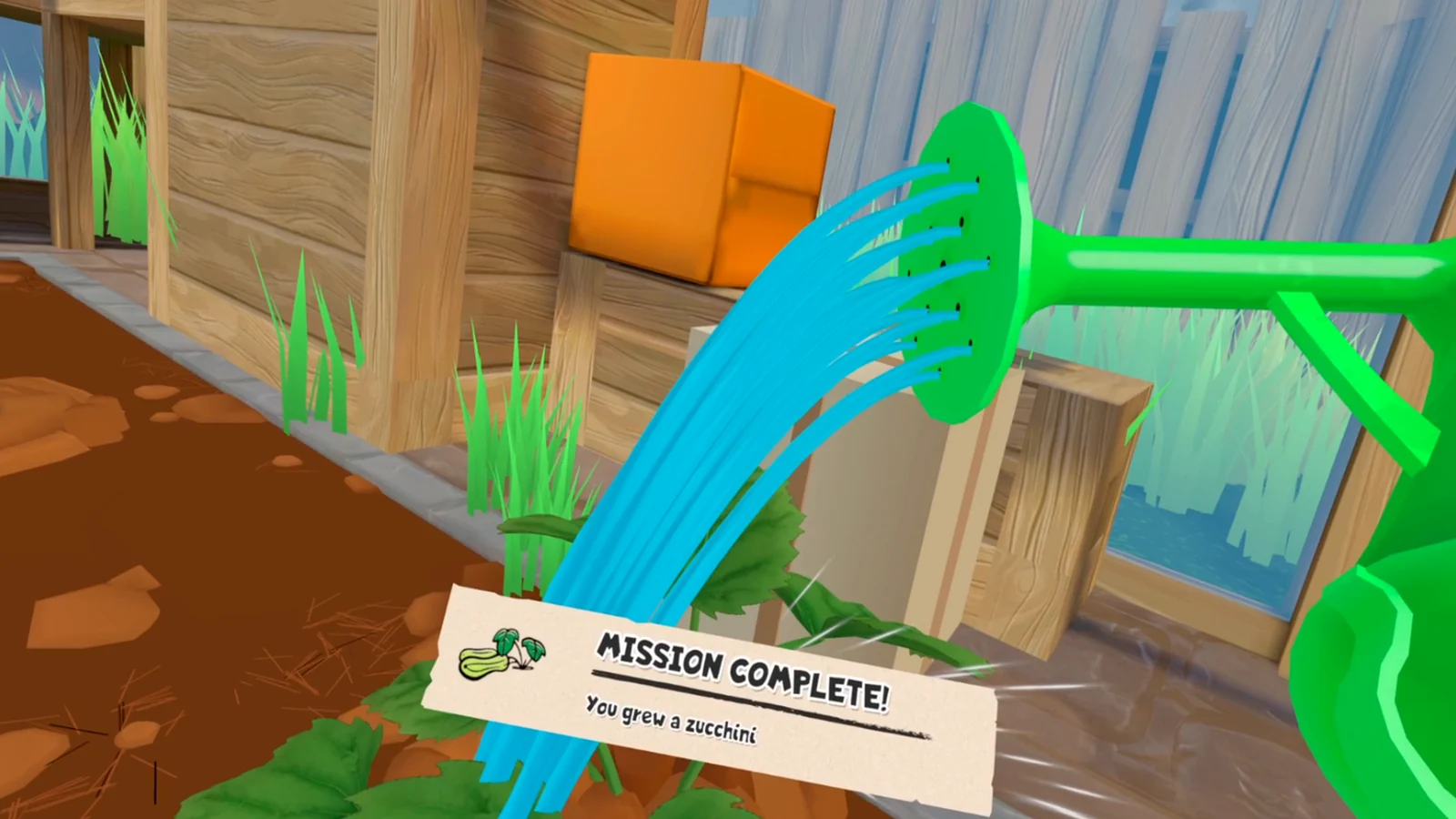
I Am Cat PS VR2 Trophy Guide: What to Track and Where to Verify It
Use the current PS5 trophy list as the source of truth and organize task and breakable milestones without invented entries.
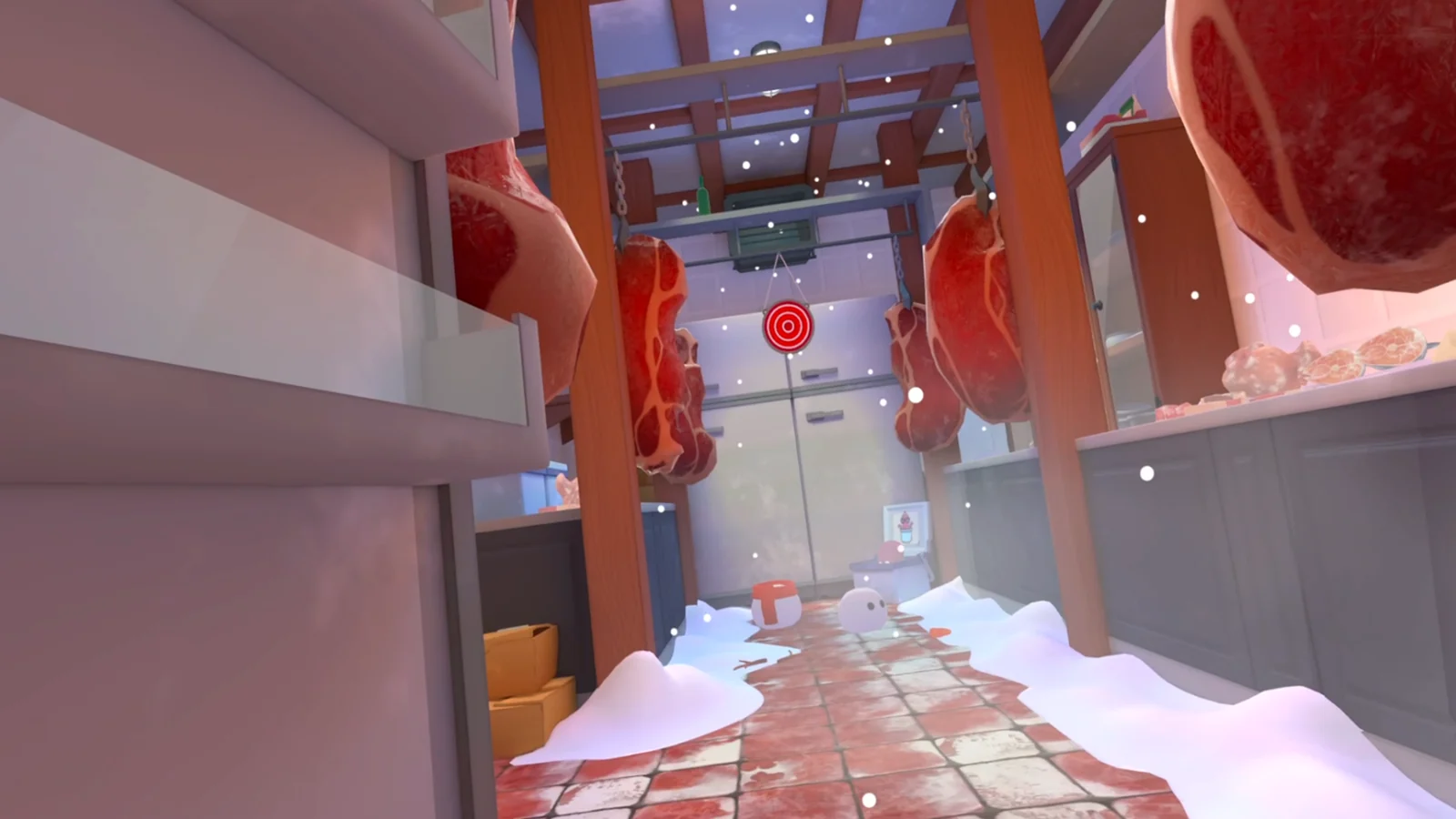
I Am Cat Known Issues: Diagnose Camera, Tracking, and Progress by Platform
Separate Steam VR camera trouble, headset tracking, and objective stalls before applying a recovery step.
I Am Cat Steam VR System Requirements and a Clean PC Setup Check
Verify the official minimum PC specification, headset compatibility, runtime, controllers, and play space before troubleshooting performance.
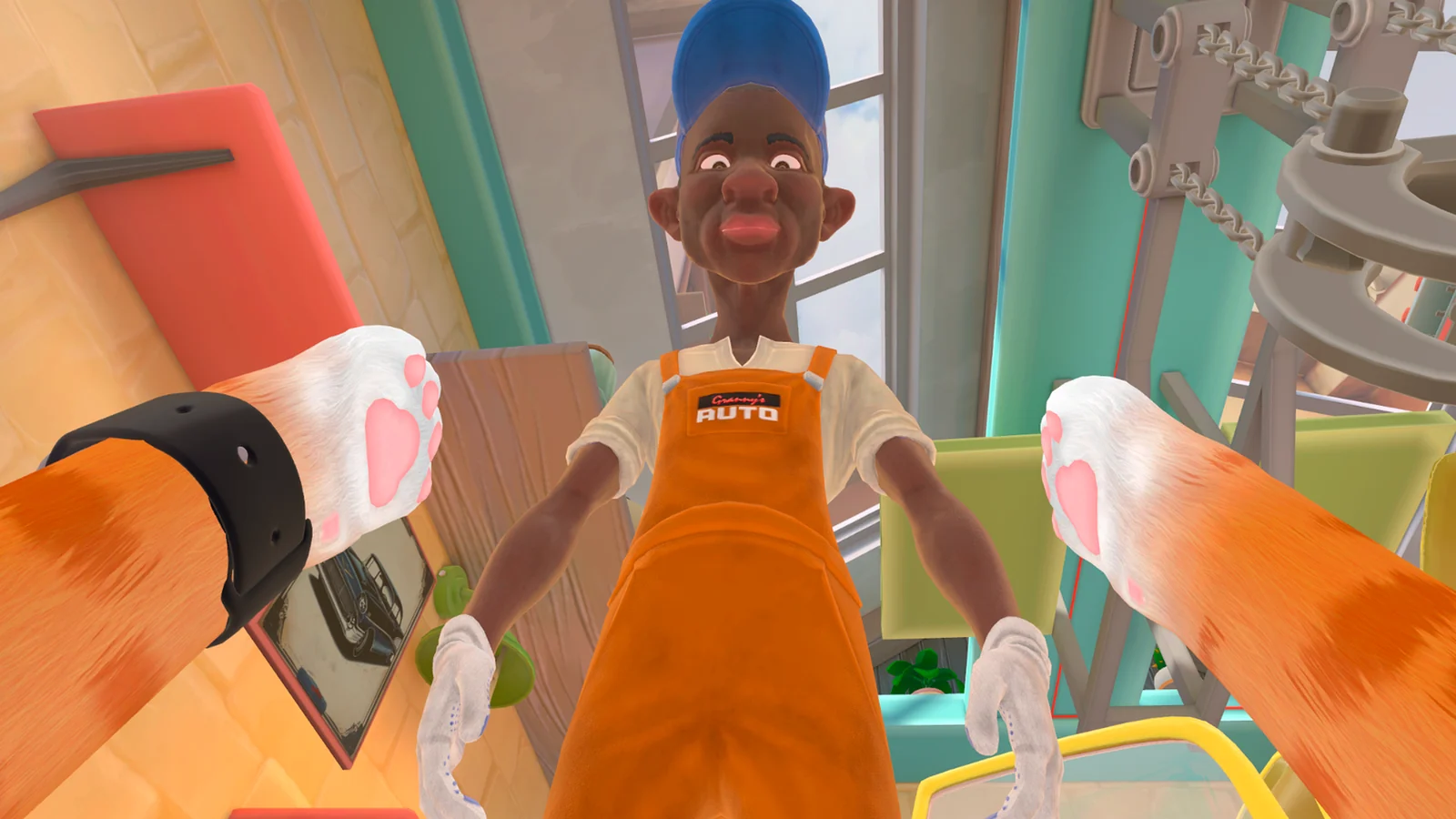
Does I Am Cat Have Multiplayer? Quest, Steam VR, and PS VR2 Status
Check where multiplayer is documented, what the other platform stores promise, and why cross-play should not be assumed.
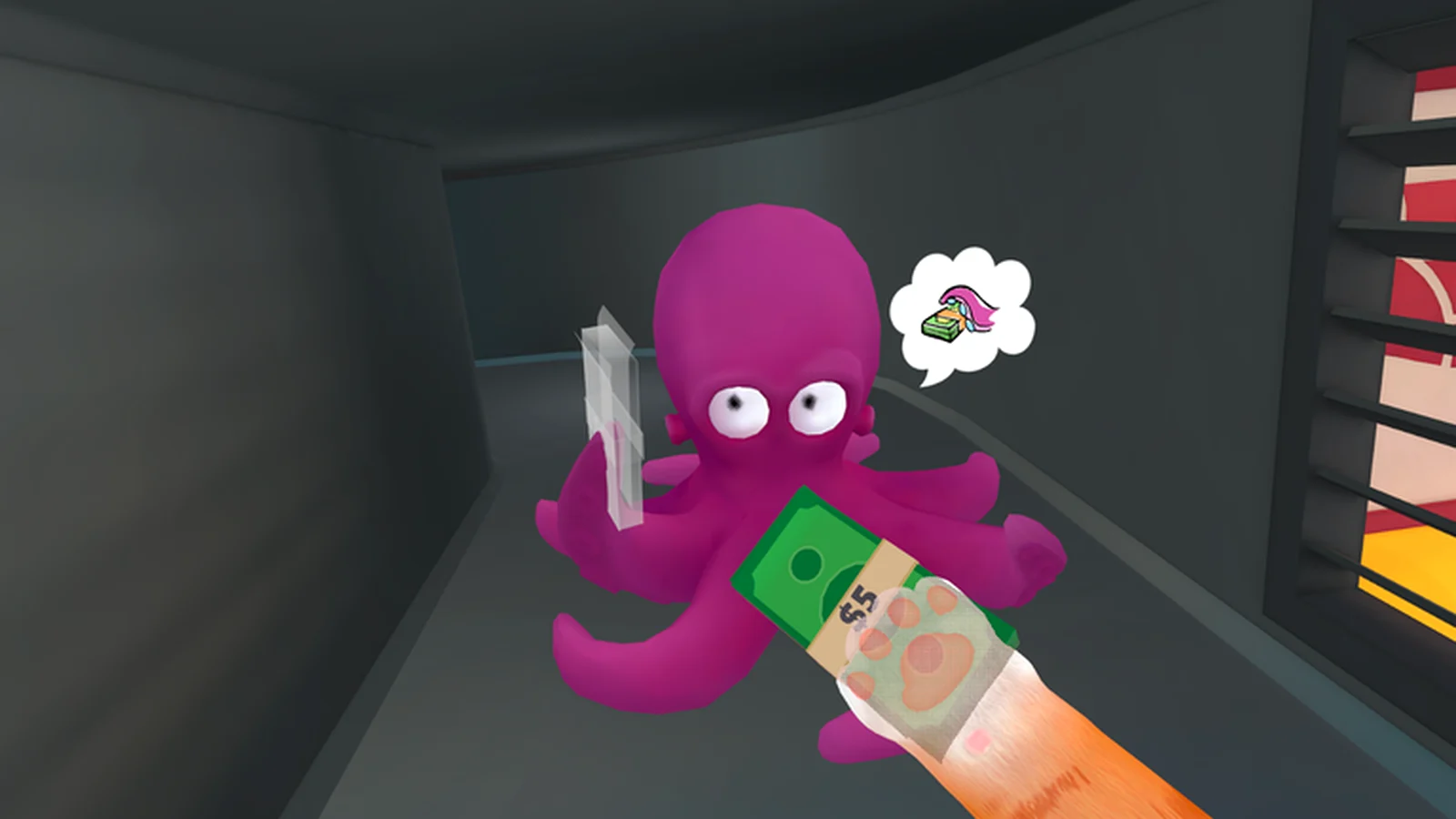
I Am Cat Camera Shake on Steam VR: A One-Change-at-a-Time Fix
Separate runtime, refresh-rate, rendering, and tracking causes without creating a new variable at every step.
I Am Cat Arm-Swing Movement: A Short Practice Routine That Feels Predictable
Learn small alternating strokes, clean stops, turns, and grabs without fighting the locomotion system.
I Am Cat PS VR2 First-Day Checklist: Room Scan, Controls, and First Save
Give the PS5 build a clean start and protect the first save with a short, observable setup routine.
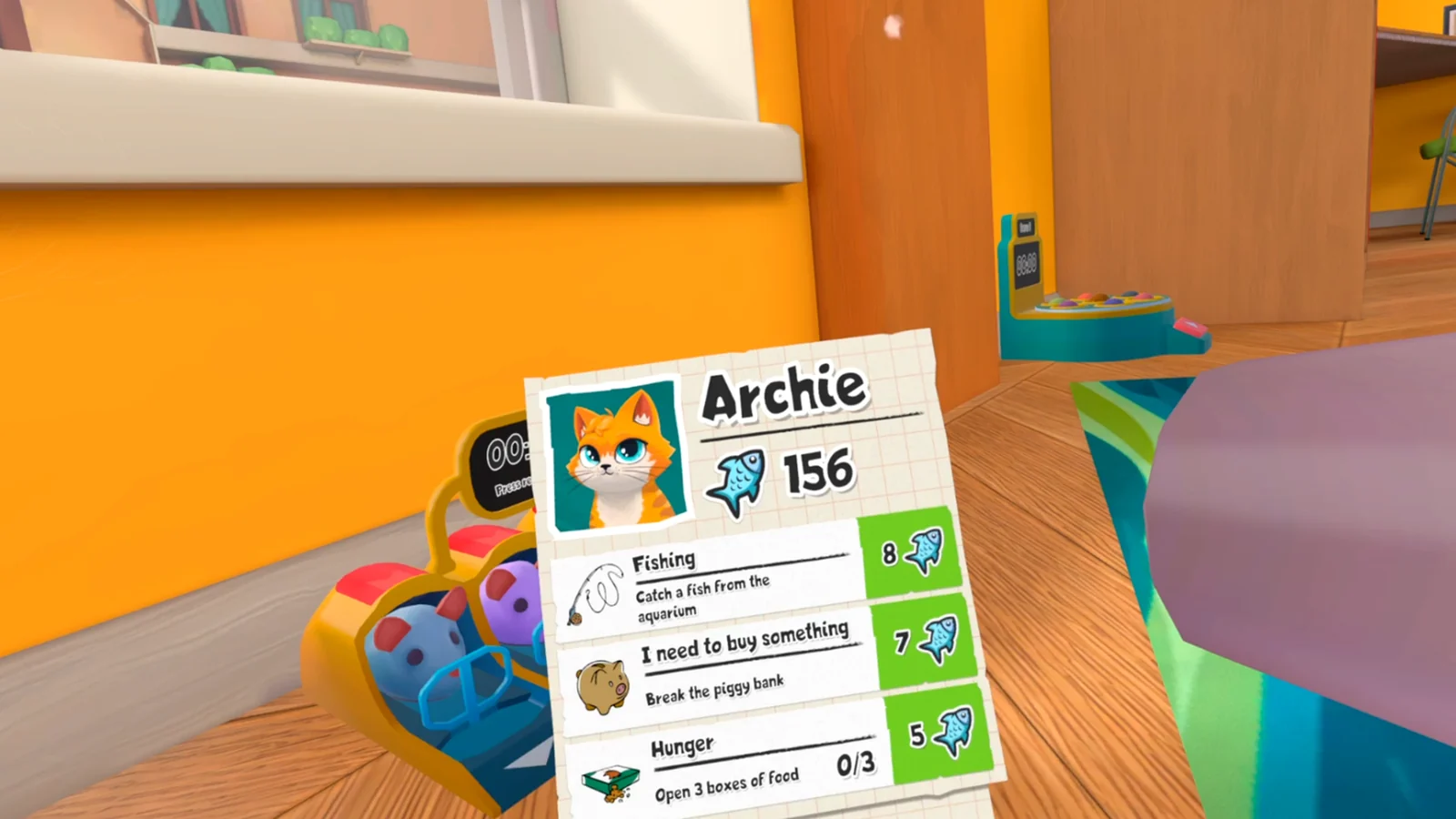
I Am Cat Objective Not Updating: The Safest Recovery Order
Diagnose a missed prerequisite, misplaced item, or platform-specific progression problem before deleting a save.
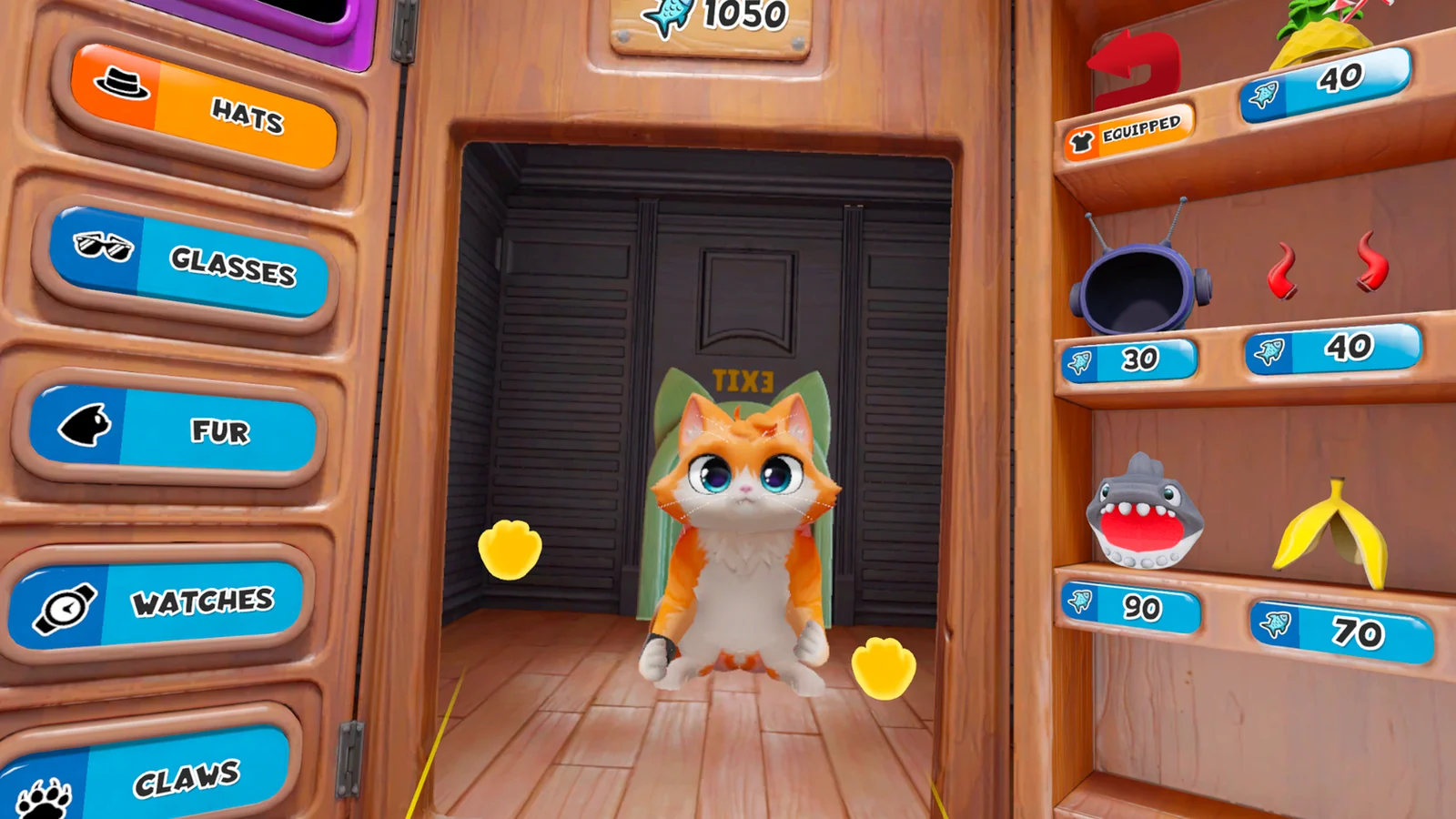
I Am Cat Motion Sickness: Comfort Settings, Camera Checks, and Session Limits
Reduce avoidable discomfort by separating turning, movement rhythm, floor calibration, and visible camera jitter.
Choose the right version
Same cat, different releases.
Locations, multiplayer, controls, patches, and bugs can differ. Match the guide to your headset before following a room route or workaround.